Signs of Compromise · about 10 minutes
Check Programs in Temporary Folders
What This Means
There are programs in /tmp, /var/tmp or /dev/shm.
Why It Matters
Attackers drop their tools in these folders because anyone can write there. Many legitimate programs use them too, so look before deleting.
- 1
List them
Hidden names (starting with a dot) and recent dates are worth a closer look.
find /tmp /var/tmp /dev/shm -maxdepth 2 -type f -perm -u+x -ls
- 2
See what one is
file /tmp/.x; head -5 /tmp/.x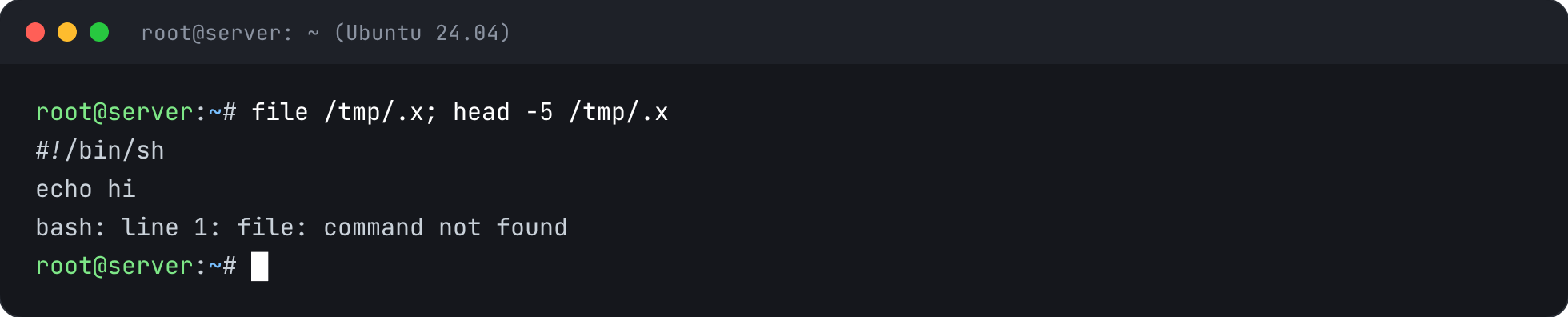
- 3
Remove what you don't recognise
If it's something you don't know, and especially if it's running, follow Remove a Crypto-Miner first.
rm /tmp/.x


Check It’s Fixed
Run the security report again. This check should now pass.