Signs of Compromise · about 20 minutes
Remove a Crypto-Miner
What This Means
A known crypto-mining program is running. These are almost always put there by an attacker.
Why It Matters
A miner burns your CPU, and whoever installed it still has a way in. Removing the program isn't enough: you have to find and close the way in.
Before you start
If you're not sure you've found every way back in, rebuild the server from clean and restore your data.
- 1
Find it and what it's using
The heaviest processes first.
ps aux --sort=-%cpu | head -8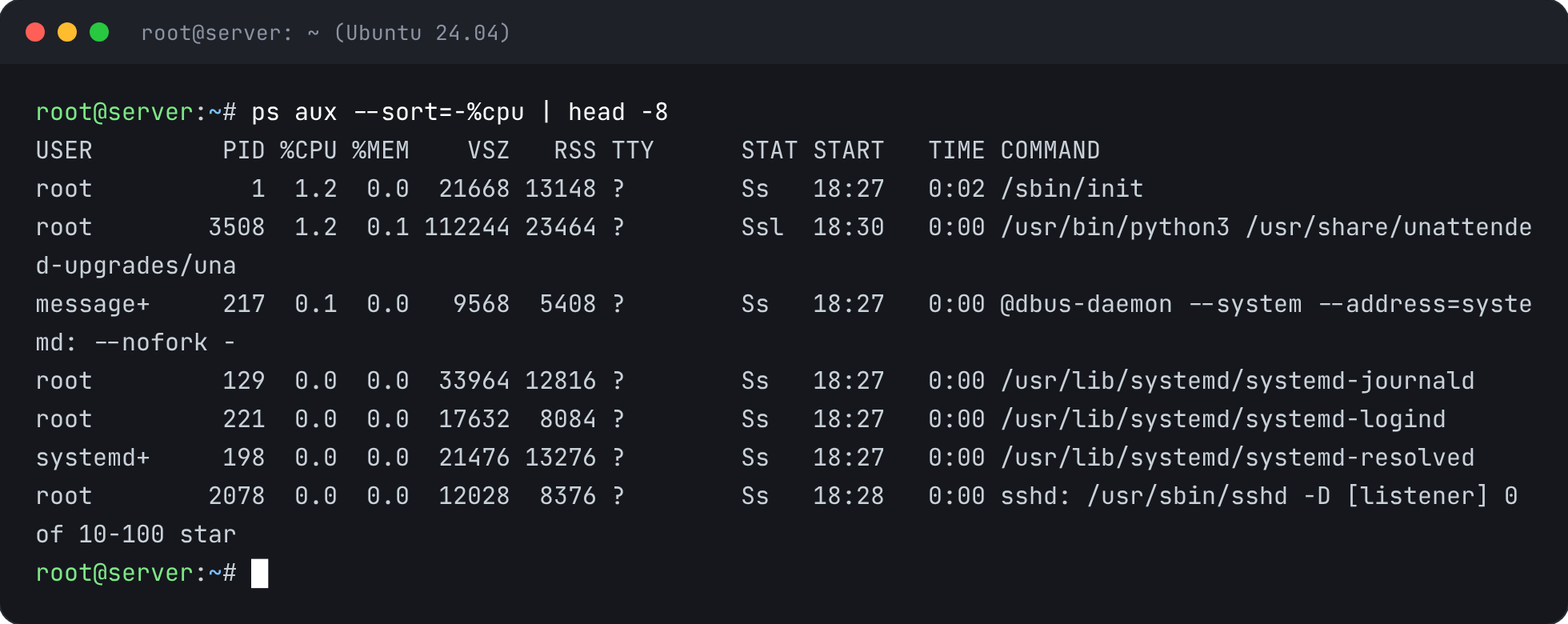
- 2
See where it runs from
Replace 1234 with its process ID. The path shows where the attacker put it.
ls -l /proc/1234/exe - 3
Stop it
kill -9 1234 - 4
Find how it restarts
Miners come back from scheduled jobs and services. Check both.
crontab -l; ls /etc/cron.d; systemctl list-units --type=service --state=running --no-pager | head -15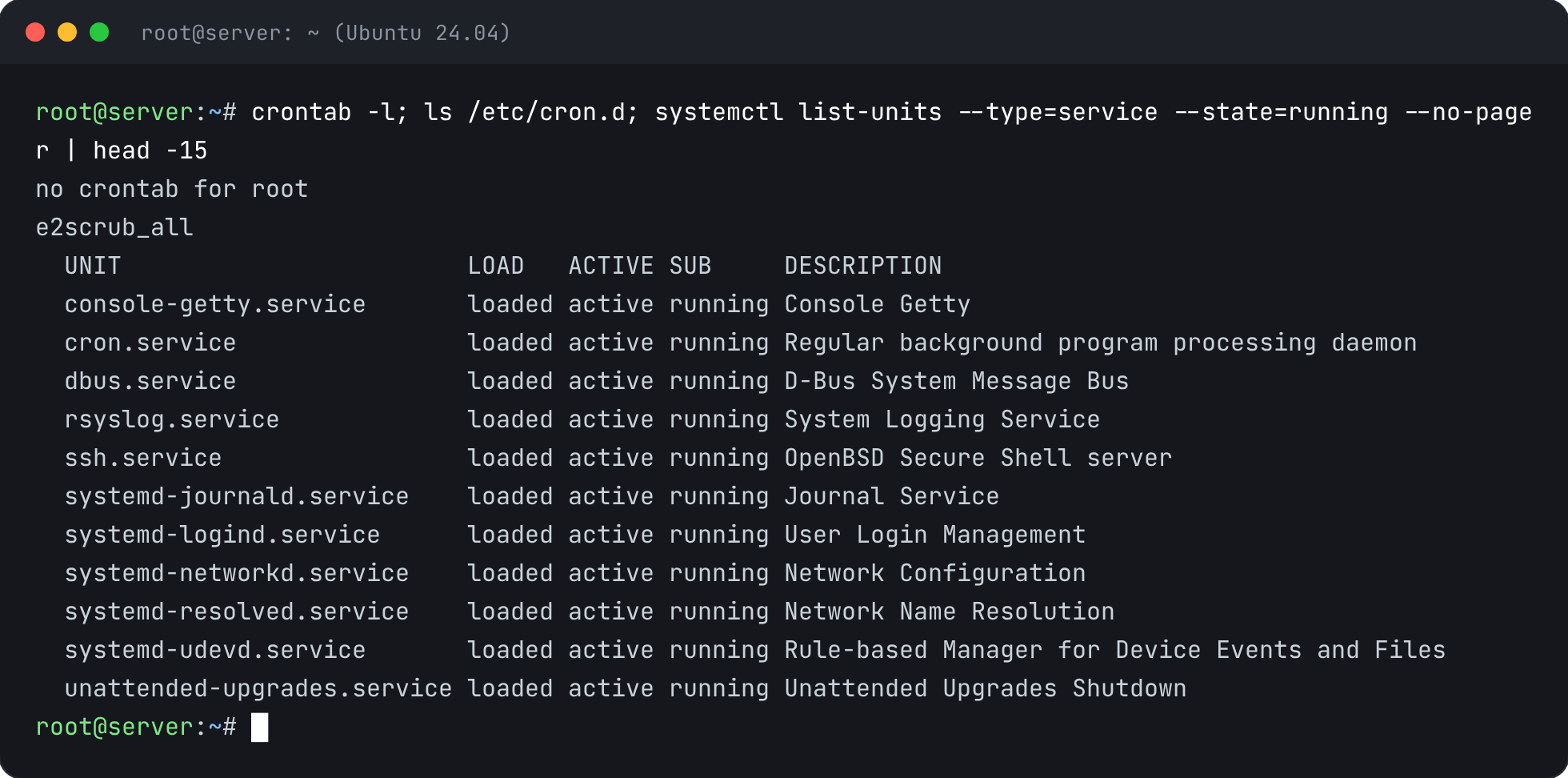
- 5
Check for keys they added
Remove any SSH key you don't recognise.
cat ~/.ssh/authorized_keys
- 6
Close the way in
Usually a weak or leaked password, an old web app or an exposed service. Work through the other guides: SSH keys only, updates, firewall. Then run this report again.


Check It’s Fixed
Run the security report again. This check should now pass.