Open Services · about 5 minutes
Turn On a Firewall
What This Means
Nothing filters incoming traffic, so every service that listens is open to the internet.
Why It Matters
A firewall that allows only the ports you mean to offer stops a forgotten or misconfigured service from being exposed.
Before you start
Always allow SSH before turning the firewall on, or you'll lock yourself out.
- 1
Check the firewall's status
Ubuntu and Debian come with ufw, which is off until you turn it on.
ufw status
- 2
Allow SSH first
ufw allow OpenSSH
- 3
Allow the other services you offer
For a web server, for example:
ufw allow 80/tcp && ufw allow 443/tcp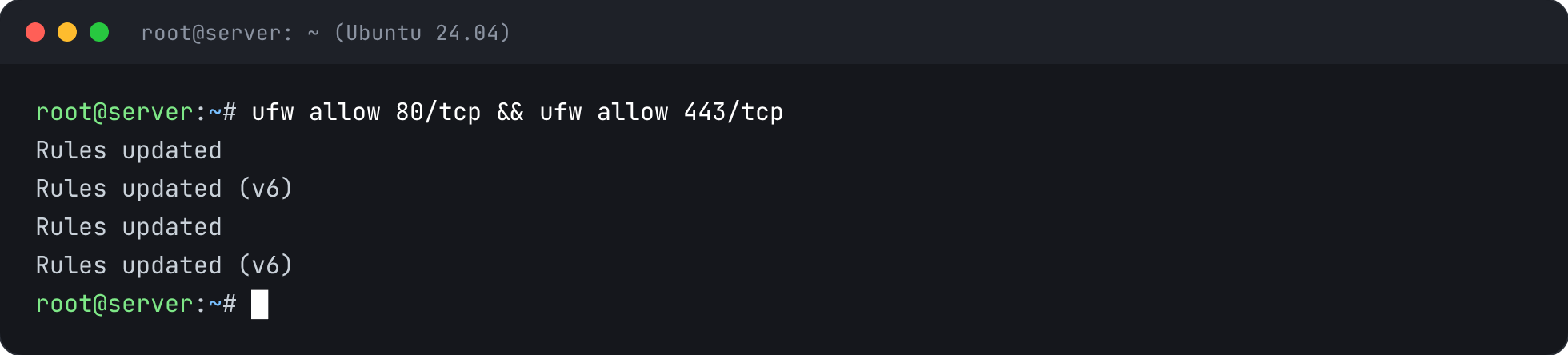
- 4
Turn it on
--force skips the yes/no question; you've already allowed SSH.
ufw --force enable
- 5
Confirm what's allowed
Everything not listed here is now blocked.
ufw status verbose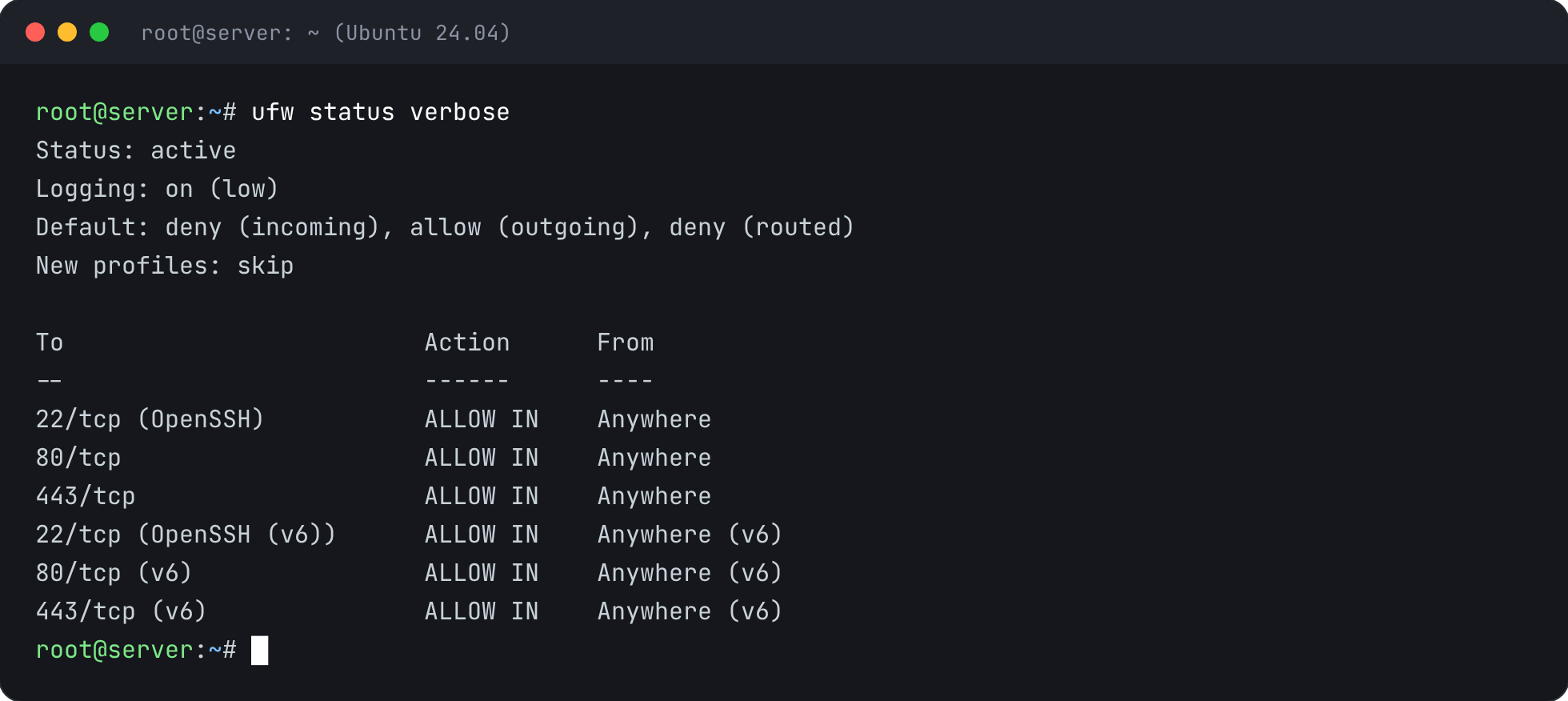


Check It’s Fixed
Run the security report again. This check should now pass.