Login Attacks · about 10 minutes
Block Repeat Login Attackers With fail2ban
What This Means
Nothing stops an address that keeps failing to log in from trying again and again.
Why It Matters
fail2ban watches the login log and blocks an address after a few failures, which stops most password guessing.
- 1
Install fail2ban
apt install -y fail2ban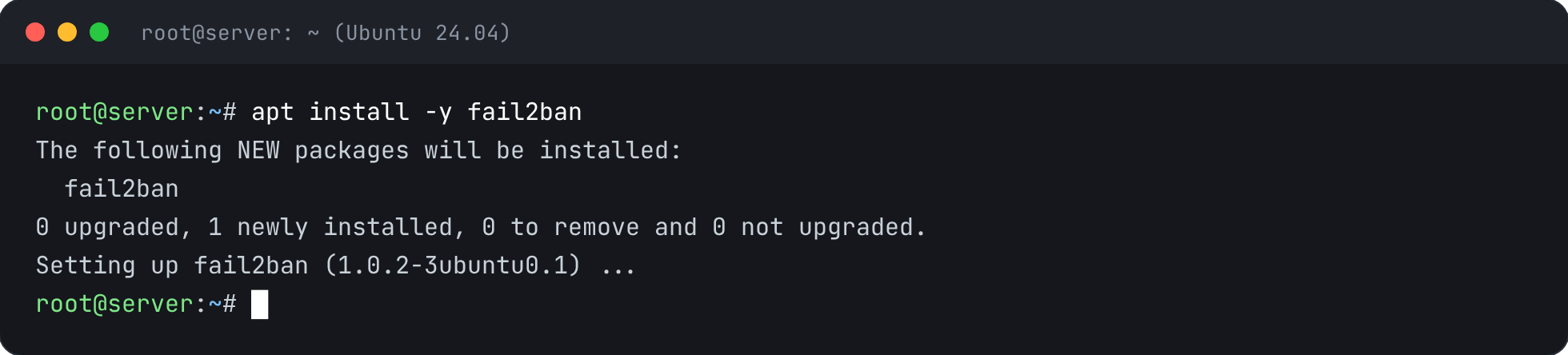
- 2
Protect SSH
jail.local holds your settings and survives updates. This blocks an address for an hour after 5 failures in 10 minutes.
printf '[sshd]\nenabled = true\nbackend = systemd\nmaxretry = 5\nfindtime = 10m\nbantime = 1h\n' > /etc/fail2ban/jail.local
- 3
Start it
systemctl enable --now fail2ban && systemctl restart fail2ban
- 4
Confirm it's watching SSH
fail2ban-client status sshd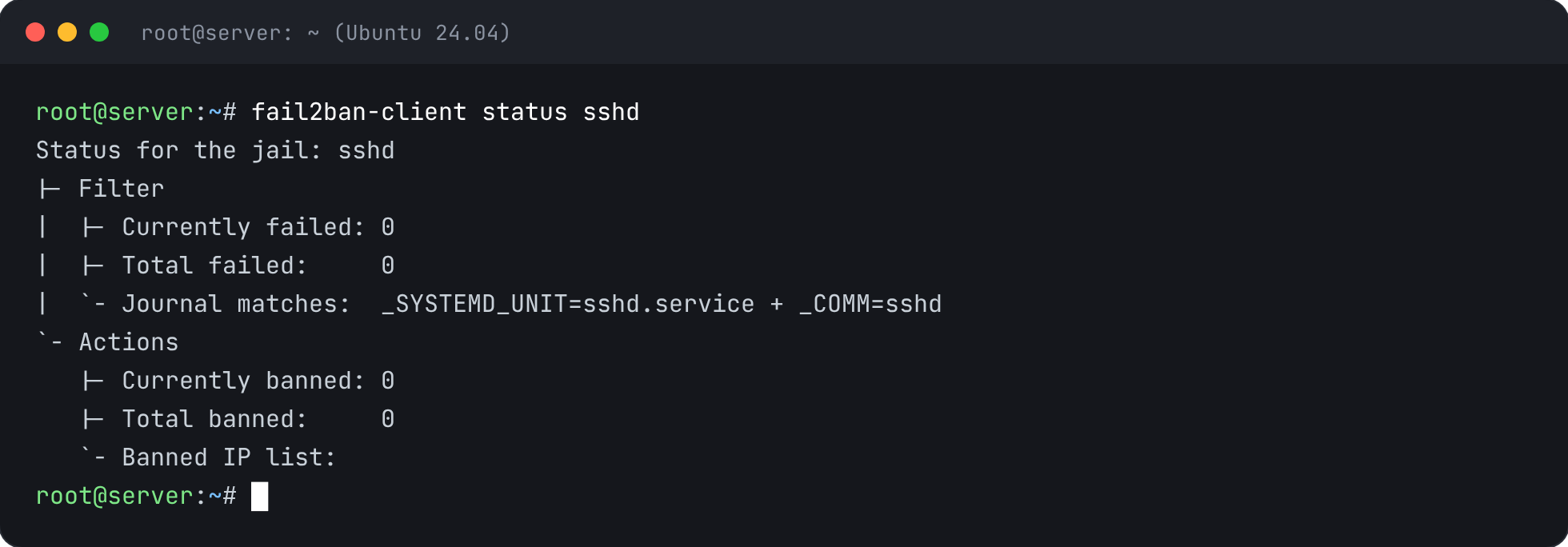


Check It’s Fixed
Run the security report again. This check should now pass.