Updates · about 5 minutes
Install Security Updates Automatically
What This Means
Security updates only install when someone remembers to run them.
Why It Matters
Most break-ins use holes that were fixed weeks earlier. Automatic security updates close them within a day.
- 1
Install unattended-upgrades
On most Ubuntu servers it's already installed; this makes sure.
apt install -y unattended-upgrades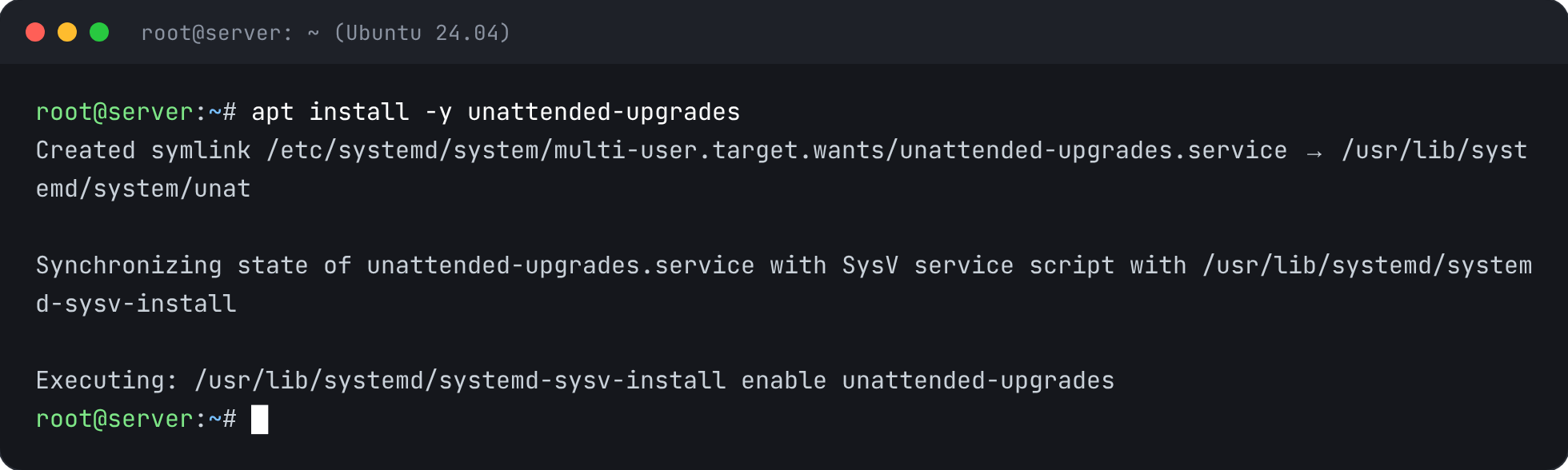
- 2
Turn it on
This is the same file dpkg-reconfigure -plow unattended-upgrades writes.
printf 'APT::Periodic::Update-Package-Lists "1";\nAPT::Periodic::Unattended-Upgrade "1";\n' > /etc/apt/apt.conf.d/20auto-upgrades
- 3
Check it's on
cat /etc/apt/apt.conf.d/20auto-upgrades && systemctl is-enabled unattended-upgrades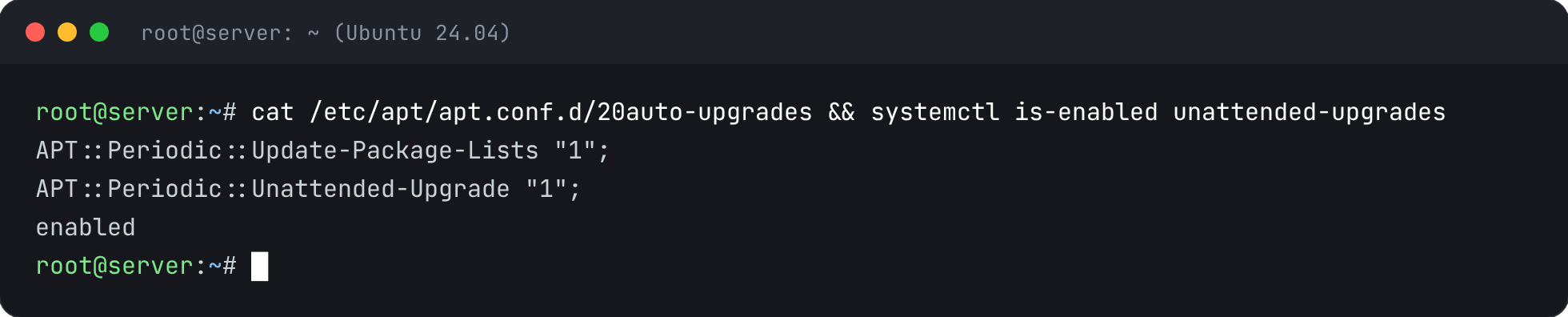
- 4
Try a run without changing anything
--dry-run shows what it would install.
unattended-upgrade --dry-run --debug 2>&1 | tail -5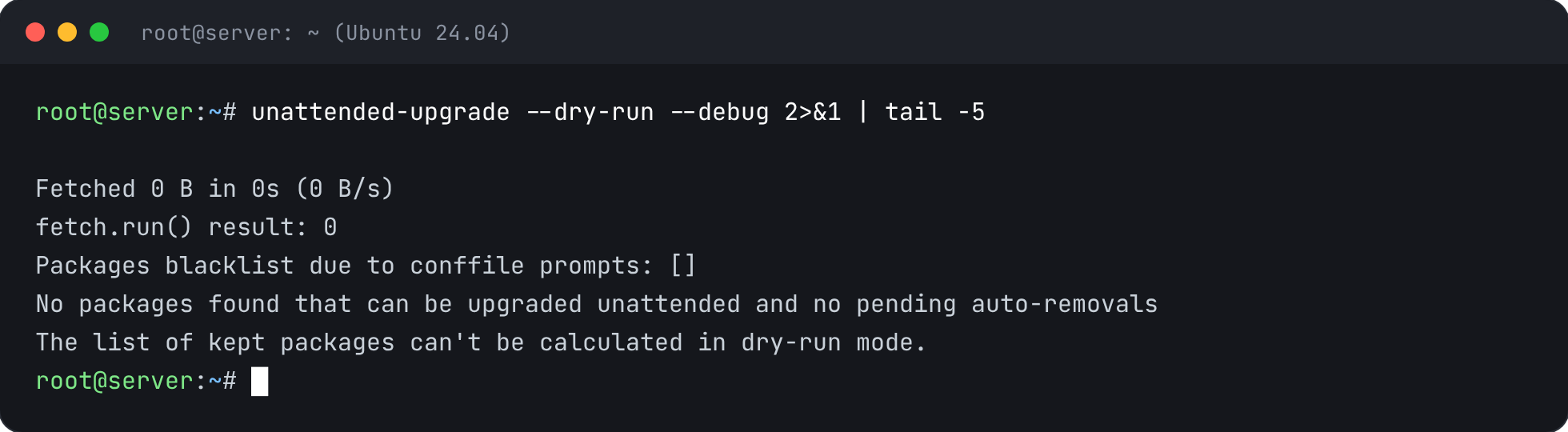


Check It’s Fixed
Run the security report again. This check should now pass.